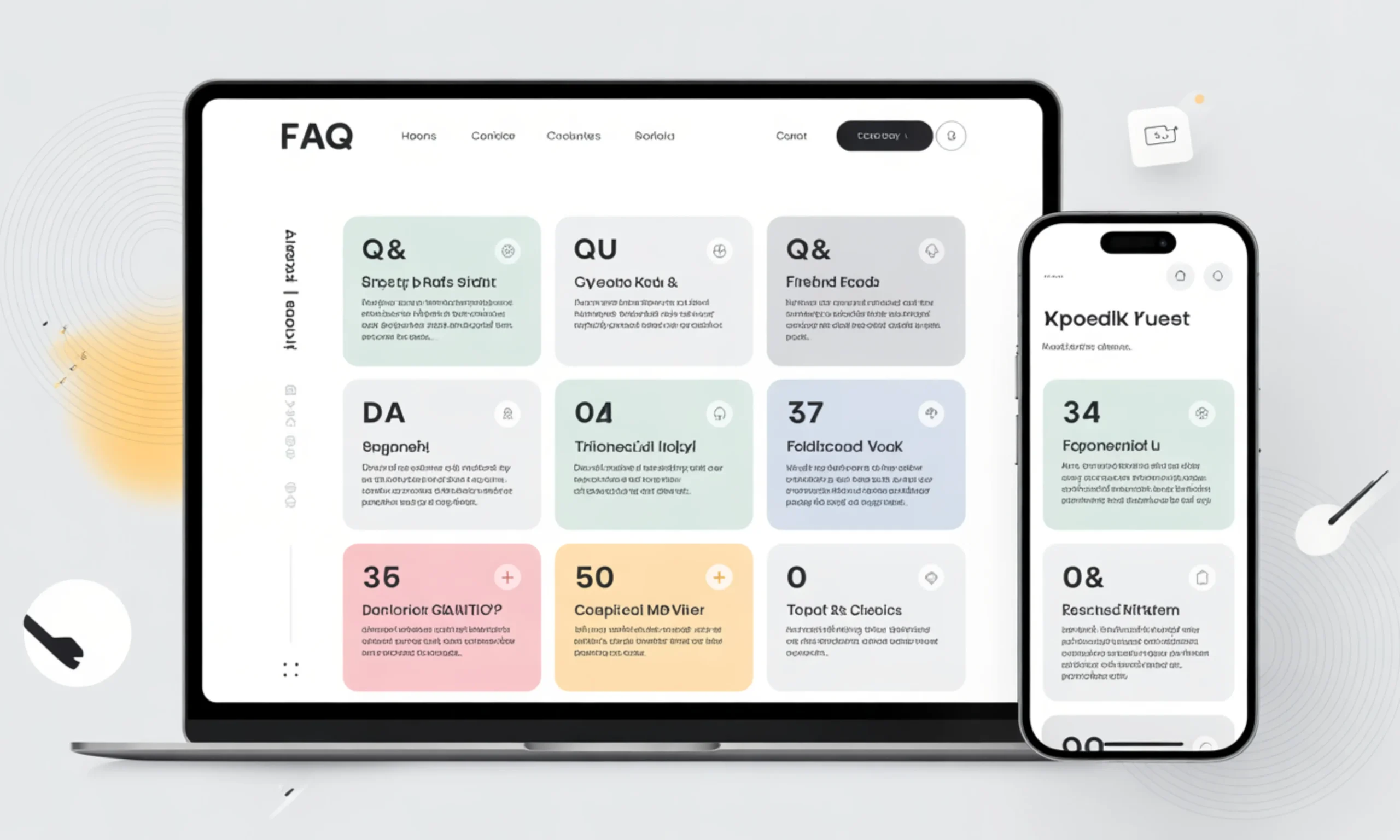
Creating a well-structured FAQ section can transform your website from a simple information hub into a powerful tool for engagement, trust, and conversions. Yet, many businesses struggle to craft FAQs that are both clear and useful.
That’s where FAQ templates come in. These ready-made frameworks provide a blueprint for organizing questions and answers, ensuring consistency, readability, and efficiency.
Whether you run an e-commerce store, a SaaS platform, or a personal blog, your audience has questions. A thoughtfully designed FAQ section not only saves your support team time but also helps users find answers quickly, improving their overall experience. Beyond convenience, a strong FAQ can boost your SEO, help your site appear in featured snippets, and guide potential customers toward action.
In this guide, we’ll explore the power of FAQ templates, their benefits, and how to create, customize, and optimize them to serve both your users and your business goals.
What Is an FAQ Template?
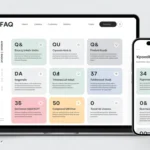
An FAQ template is a pre-designed framework that helps you structure the questions and answers on your FAQ page efficiently. Instead of starting from scratch, a template provides a blueprint for organizing content, ensuring each question is clear, relevant, and easy for users to navigate.
A well-crafted FAQ template typically includes several key components: the question itself, a concise and helpful answer, and a logical grouping of related questions. Some templates also incorporate design elements like accordions, tabs, or links to related resources, making it easier for visitors to scan and find what they need.
FAQ templates are versatile—they can be used for product pages, customer support, help centers, or company information. By standardizing the way questions and answers are presented, they save time, improve consistency, and enhance the overall user experience.
Benefits of Using FAQ Templates
Using FAQ templates offers a range of advantages for both businesses and users. First and foremost, they save time and effort. Instead of crafting every question and answer from scratch, templates provide a ready-made structure that can be quickly adapted to your content.
They also ensure consistency and clarity across your website. By following a template, all FAQs maintain a uniform tone, style, and formatting, making it easier for visitors to read and understand. This consistency reflects positively on your brand, building trust and credibility.
Another major benefit is improved user experience. Well-organized FAQ sections help users find answers quickly, reducing frustration and lowering the need to contact support. Additionally, FAQ templates can boost SEO performance, especially when paired with structured data like FAQ schema, increasing your chances of appearing in search results and featured snippets.
Types of FAQ Templates (By Use Case)
Not all FAQ templates are created equal. The right template depends on your business type, audience, and purpose. Here’s a breakdown of common types:
Business & Corporate FAQ Templates
These templates cover company policies, billing, legal guidelines, and general corporate information. They are ideal for ensuring consistency in communication and providing clarity on operational procedures.
Product & Service FAQ Templates
Designed for product or service-focused businesses, these templates address questions about features, usage, pricing, and troubleshooting. They help customers understand your offerings quickly and make informed decisions.
E-commerce FAQ Templates
E-commerce templates focus on shipping, returns, refunds, order tracking, sizing, and payment-related questions. They reduce repetitive support inquiries and improve the overall shopping experience.
SaaS & Tech FAQ Templates
These are tailored for software platforms and technology companies. They cover account setup, integrations, troubleshooting, and security concerns, helping users navigate digital products efficiently.
Customer Support & Help Center Templates
Ideal for businesses with a strong support focus, these templates organize FAQs by topic or issue, often using tiered structures. They guide users through self-service options before escalating to live support.
Content, Blog, and Personal Website FAQs
These templates address common questions about the author, content usage, collaborations, and website navigation, improving engagement and credibility with readers.
By choosing the right type of FAQ template, you can target user needs more effectively and ensure your FAQ section serves its purpose across all platforms.
Essential Elements of an Effective FAQ Template
A great FAQ template does more than list questions and answers—it organizes information in a way that’s clear, useful, and easy to navigate. Here are the essential elements every effective FAQ template should include:
Clear, User-Focused QuestionsQuestions should be written from the visitor’s perspective. Use simple, natural language that reflects how users search for answers.
Concise and Helpful AnswersProvide answers that are brief yet complete. Avoid unnecessary jargon, and break down complex information into digestible steps or bullet points.
Logical Grouping and CategorizationOrganize questions into categories or sections. Grouping related topics improves navigation and helps users find answers faster.
Scannability and ReadabilityUse headings, subheadings, bullet points, and accordions to make content easy to scan. Most users skim before reading in detail.
Links to Related ResourcesInclude links to product pages, tutorials, or additional guides for users who need more information.
Visual Layout ConsiderationsA well-designed template balances text and white space, ensuring the FAQ is visually appealing and easy to interact with, especially on mobile devices.
Call-to-Action (Optional)Some FAQs include subtle CTAs, guiding users toward signing up, purchasing, or contacting support if their question isn’t fully answered.
By incorporating these elements, your FAQ template not only provides answers but also enhances user experience, trust, and engagement.
How to Create FAQ Content Using a Template
Creating FAQ content with a template ensures efficiency while keeping answers relevant and user-friendly. Here’s a step-by-step approach:
Research Real User QuestionsStart by gathering actual questions from your audience. Use customer support tickets, email inquiries, social media comments, and website search data to identify what users genuinely want to know.
Write Questions in User LanguageFrame questions in the way users would naturally ask them. Avoid internal jargon or overly technical terms unless your audience expects it.
Craft Concise, Actionable AnswersKeep answers short but thorough. Use bullet points, numbered lists, or step-by-step instructions for complex topics, and always provide clarity over verbosity.
Organize and Categorize QuestionsGroup related questions together using categories, headings, or sections. This helps visitors find answers quickly and improves overall navigation.
Incorporate Supporting Links and ResourcesWhere relevant, link to product pages, guides, videos, or external resources for deeper insights.
Maintain a Consistent Tone and StyleEnsure all questions and answers align with your brand voice—whether it’s formal, conversational, or playful. Consistency builds trust and readability.
Review and TestCheck for accuracy, clarity, and completeness. Consider having someone unfamiliar with your product test the FAQ to ensure it’s easy to understand.
By following these steps, your FAQ section will be both user-friendly and scalable, saving time for your team while providing a seamless experience for visitors.
FAQ Templates and SEO
FAQ templates don’t just help your users—they can also significantly boost your website’s SEO performance. When structured correctly, FAQ sections increase the chances of appearing in search engine results, driving more organic traffic to your site.
Use Targeted KeywordsIncorporate primary and secondary keywords naturally in your questions and answers. This helps search engines understand the content and improves visibility for relevant queries.
Implement FAQ Schema MarkupAdding structured data (FAQ schema) allows Google to display your FAQs directly in search results as rich snippets. This can improve click-through rates and enhance your page’s authority.
Optimize for Featured SnippetsConcise, clear answers are more likely to be picked up for “People Also Ask” or featured snippets. Break answers into bullet points, short paragraphs, or numbered steps for better chances.
Avoid Duplicate or Thin ContentEnsure each question addresses a unique topic and provides substantial information. Duplicate or vague answers can hurt SEO rather than help it.
Update FAQs RegularlyRefreshing content keeps your page relevant and signals to search engines that your site is active and authoritative.
By combining well-crafted FAQ templates with SEO best practices, you can turn a simple Q&A section into a powerful tool for traffic, engagement, and conversions.
Design & UX Best Practices for FAQ Templates
A well-designed FAQ section is more than just text—it’s a user experience (UX) tool that helps visitors find answers quickly and effortlessly. Here are key design and UX best practices for FAQ templates:
Choose the Right LayoutDecide between a single-page FAQ, multi-page sections, or an accordion-style layout. Accordions keep pages clean and allow users to expand only the questions they need.
Prioritize Mobile-Friendly DesignMost users access FAQs on mobile devices. Ensure text is readable, links are tappable, and accordions or collapsible sections function smoothly on all screen sizes.
Use Clear Hierarchy and NavigationOrganize questions by categories or topics. Use headings, subheadings, and anchors so users can jump directly to the section they need.
Make Content ScannableBreak answers into short paragraphs, bullet points, or numbered steps. Most users skim content before reading in detail.
Include Visual CuesIcons, arrows, or color highlights can guide users to expandable answers or important sections without cluttering the page.
Focus on AccessibilityEnsure your FAQ is screen-reader friendly, uses sufficient contrast, and allows keyboard navigation. This ensures all users can interact with your content.
Keep it LightweightAvoid excessive text, large images, or heavy scripts that slow down loading times. Fast-loading FAQ pages improve both UX and SEO.
By following these best practices, your FAQ template will not only look professional but also maximize usability, engagement, and satisfaction.
Customizing FAQ Templates for Your Brand
While FAQ templates provide a ready-made structure, customizing them ensures they reflect your brand’s identity and meet your audience’s unique needs. Here’s how to make your FAQs truly yours:
Adapt the Tone and VoiceWhether your brand is formal, conversational, or playful, adjust the language in your questions and answers to match your overall style. Consistency strengthens brand recognition and builds trust.
Tailor Content to Your IndustryCustomize questions and answers based on your specific products, services, or sector. For example, a SaaS company may focus on integrations and security, while an e-commerce store emphasizes shipping and returns.
Localize for Multilingual AudiencesIf your audience spans multiple regions, translate FAQs accurately and adapt them to local culture, terminology, and regulations.
Personalize Based on User BehaviorAnalyze user interactions to highlight the most relevant questions. Dynamic or contextual FAQs can improve engagement and reduce support requests.
Incorporate Brand VisualsAdd your brand colors, fonts, icons, or logos to make the FAQ section visually consistent with the rest of your site.
Customizing your FAQ templates ensures that your FAQ section is not only functional but also memorable, relevant, and aligned with your brand identity.
Common Mistakes to Avoid When Using FAQ Templates
Even with a well-designed FAQ template, certain pitfalls can reduce its effectiveness. Avoid these common mistakes to ensure your FAQs provide real value:
Overloading with Irrelevant QuestionsIncluding too many unnecessary or obvious questions can overwhelm users and make it harder to find important information.
Writing from the Company’s PerspectiveFocus on what the user wants to know, not what your company wants to say. FAQs should answer user questions clearly and directly.
Providing Outdated or Inaccurate AnswersOld information can frustrate visitors and damage trust. Regularly review and update FAQs to keep them accurate.
Hiding FAQs Too Deep in the WebsiteFAQ sections should be easy to locate. Burying them in multiple clicks reduces usability and engagement.
Treating FAQs as “Set It and Forget It” ContentFAQs evolve as products, services, and user needs change. Periodic audits ensure content stays relevant, comprehensive, and helpful.
By avoiding these mistakes, your FAQ section will remain useful, trustworthy, and effective, ultimately enhancing the overall user experience.
Real Examples of FAQ Templates
Seeing practical examples can help you visualize how to structure your own FAQ section. Here are some commonly used FAQ template styles:
Simple FAQ Template
Question: What payment methods do you accept?
Answer: We accept credit cards, PayPal, and Apple Pay.
E-commerce FAQ Template
- Question: How long does shipping take?
- Answer: Orders are processed within 1–2 business days. Standard shipping typically takes 5–7 business days, and expedited shipping 2–3 business days.
- Question: Can I return an item?
- Answer: Yes, items can be returned within 30 days of delivery. Please visit our Returns page for detailed instructions.
SaaS FAQ Template
- Question: How do I integrate your software with my tools?
- Answer: Go to the Integrations section in your dashboard, select the desired tool, and follow the step-by-step instructions.
- Question: Is my data secure?
- Answer: Yes, we use end-to-end encryption and comply with GDPR and CCPA standards.
Help Center / Support FAQ Template
- Category: Account Management
- Question: How do I reset my password?
- Answer: Click “Forgot Password” on the login page, enter your email, and follow the link sent to your inbox.
- Category: Troubleshooting
- Question: What should I do if the app crashes?
- Answer: Restart the app. If the issue persists, clear your cache or contact support.
Minimalist FAQ Template
- Question: Where can I find product documentation?
- Answer: Visit our Documentation page [link].
These examples show how questions, answers, and categories can be structured depending on purpose, audience, and platform. Using these as models, you can adapt your own FAQ templates to fit your brand and user needs.
How to Maintain and Improve Your FAQ Templates
Creating an FAQ section is just the beginning. To keep it effective, it requires regular maintenance and optimization. Here’s how to ensure your FAQ templates stay relevant and useful:
Review Content RegularlySchedule periodic audits to check that answers are accurate, up-to-date, and aligned with your current products, services, or policies.
Track User EngagementUse analytics to see which questions are most viewed or where users drop off. High-traffic questions may need clearer or more detailed answers.
Incorporate User FeedbackEncourage users to submit questions or suggest improvements. This keeps your FAQ responsive to real needs and reduces repetitive support requests.
Expand FAQs as NeededAs your offerings evolve, add new questions and retire outdated ones. A growing FAQ section reflects a company that is active and attentive to users.
Test and RefineExperiment with question wording, answer formatting, and layout to see what improves readability and engagement. Even small tweaks can have a big impact.
Maintain SEO and Technical UpdatesRefresh keywords, check schema markup, and fix broken links to ensure your FAQs continue to perform well in search engines.
By maintaining and improving your FAQ templates, you turn a static page into a dynamic resource that continues to help users, support your team, and enhance SEO.
Tools & Resources for Building FAQ Templates
Creating, organizing, and optimizing FAQ templates is easier when you leverage the right tools. Here are some recommended options:
Website Builders & CMS ToolsPlatforms like WordPress, Wix, Squarespace, and Shopify offer built-in FAQ sections or plugins that simplify template creation and styling.
Help Desk & Knowledge Base SoftwareTools like Zendesk, Freshdesk, and Help Scout allow you to create organized, searchable FAQs for customer support, with features like categories, tags, and analytics.
Schema & SEO ToolsUse tools like Google’s Structured Data Markup Helper or Yoast SEO to implement FAQ schema, which improves search engine visibility and enables rich snippets.
Design & UX ToolsPlatforms such as Figma, Canva, and Adobe XD help you design visually appealing FAQ sections, especially for custom layouts or mobile-friendly interfaces.
Content Research & Analytics ToolsTools like Ahrefs, SEMrush, or Google Search Console help identify popular questions, optimize FAQs for SEO, and track user engagement metrics.
By combining these tools, you can streamline the creation process, improve the design and usability, and ensure your FAQ templates deliver maximum value to both users and your business.
Final Thoughts
FAQ templates are more than just a list of questions and answers, they are a strategic tool that can improve user experience, build trust, and drive business growth. When designed thoughtfully, FAQs save time for both customers and support teams, reduce repetitive inquiries, and guide visitors toward informed decisions.
By using templates, you ensure consistency, clarity, and scalability, making it easier to expand your FAQ section as your products, services, or audience needs evolve. Coupled with SEO best practices, an optimized FAQ section can attract organic traffic, increase engagement, and even appear in rich search results, turning a simple page into a conversion-driving asset.
Ultimately, the key is to keep FAQs user-focused, regularly updated, and aligned with your brand identity. With the right template, maintenance, and customization, your FAQ section becomes a powerful, long-term resource for both your business and your audience.

David is the creative mind behind jokes Crafter, a hub for clever jokes, witty wordplay, and laugh-out-loud content. With a passion for humor and a knack for crafting the perfect punchline, David brings smiles to readers across the globe. When he's not writing, he's probably thinking up his next viral joke or enjoying a good comedy show.
- David

- David
- David
- David
- David
- David
- David
- David
- David
- David